
13
Windows VISTA / Seven – 1
st
connection
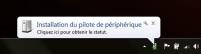
After having plugged the USB RFID reader in a USB port for the first time, Windows is
detecting the new peripheral.
Windows is installing the peripheral.
Note : this can take a few minutes.
Installation complete.
You should here 2 beeps coming from the USB RFID reader
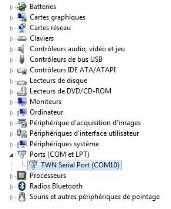
The COM number appears on the "Device Manager" as following:
Beep !
Beep !